Family XOXO puts your family's photos, home videos, recipes and music on the big screen, shared only with the people you choose. No ads. No algorithms. Just your people.
Social media replaced real family exchanges with likes and quick comments. A grandchild's first bike ride becomes one post among thousands, sorted by an algorithm and judged by a heart count. Somewhere along the way, families lost the say over what they share and who sees it.
Family XOXO gives that agency back. It's a calm, private place on the TV you already own, where every photo, video and recipe is shared on purpose. You decide what goes up and which household sees it, because not everything is for everybody, even in a family.
Personal. Moments are shared with people, not with an audience.
Intentional. Nothing is pushed by a feed. You choose what to watch.
Yours. Your media lives on your family's own server.
The TV App
Made for the couch and the remote.
Big pictures, simple menus and the story behind every moment. Here's a walk through the app, shown with the sample family.
Coming soon to Roku. Fire TV and Apple TV planned.
Family
Everyone gets a profile, with birthdays front and center.
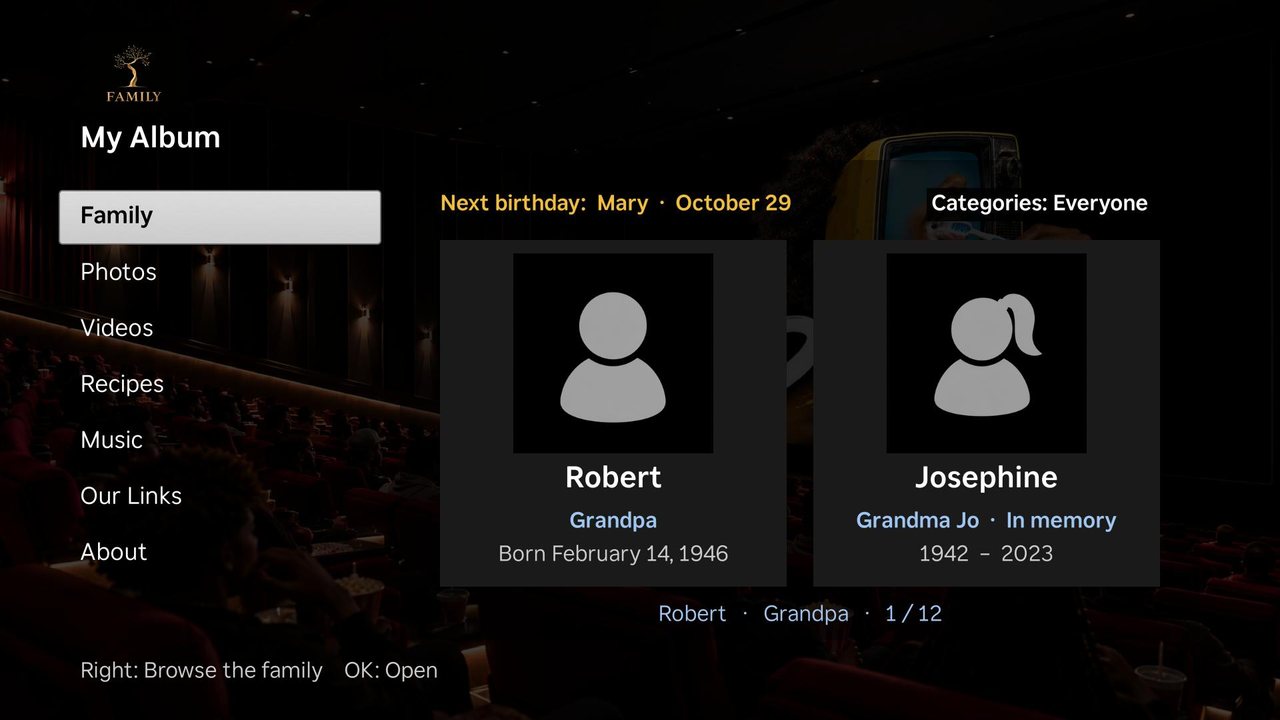
1/6 The Family row opens on two big profile cards, with the next birthday shown at the top.
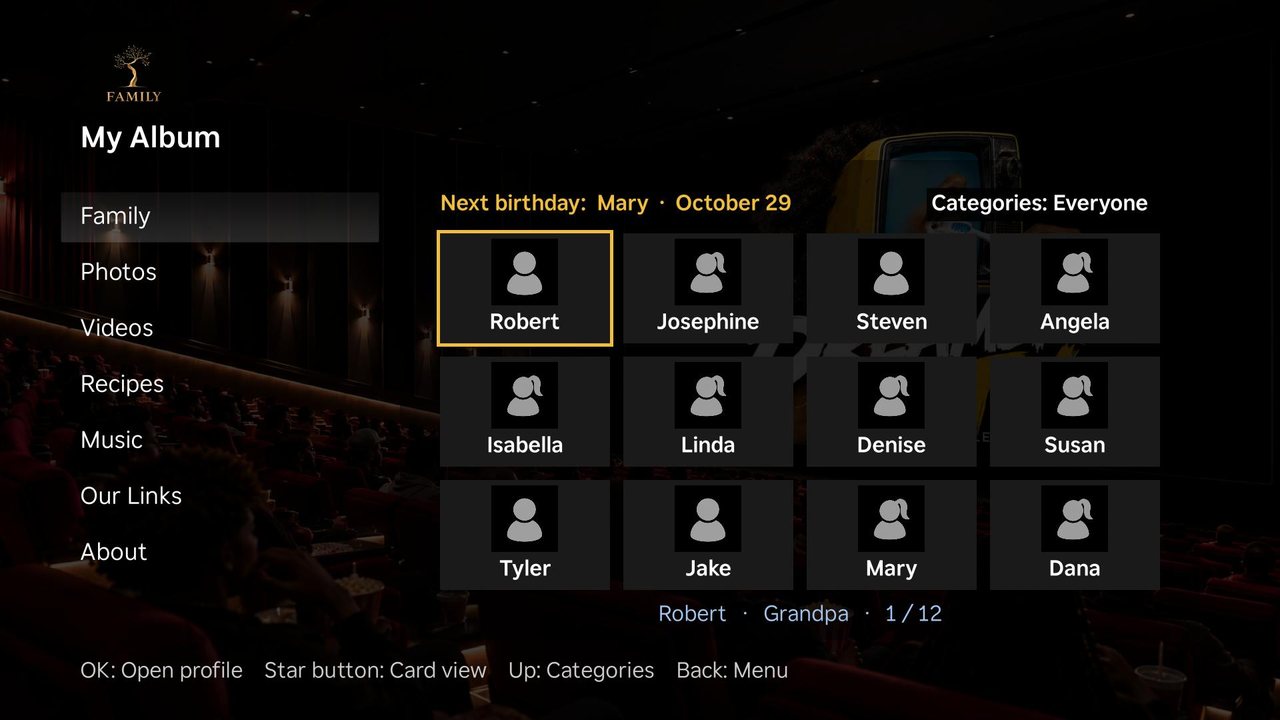
2/6 Press the star button to see the whole family at once, all 12 profiles on one screen.
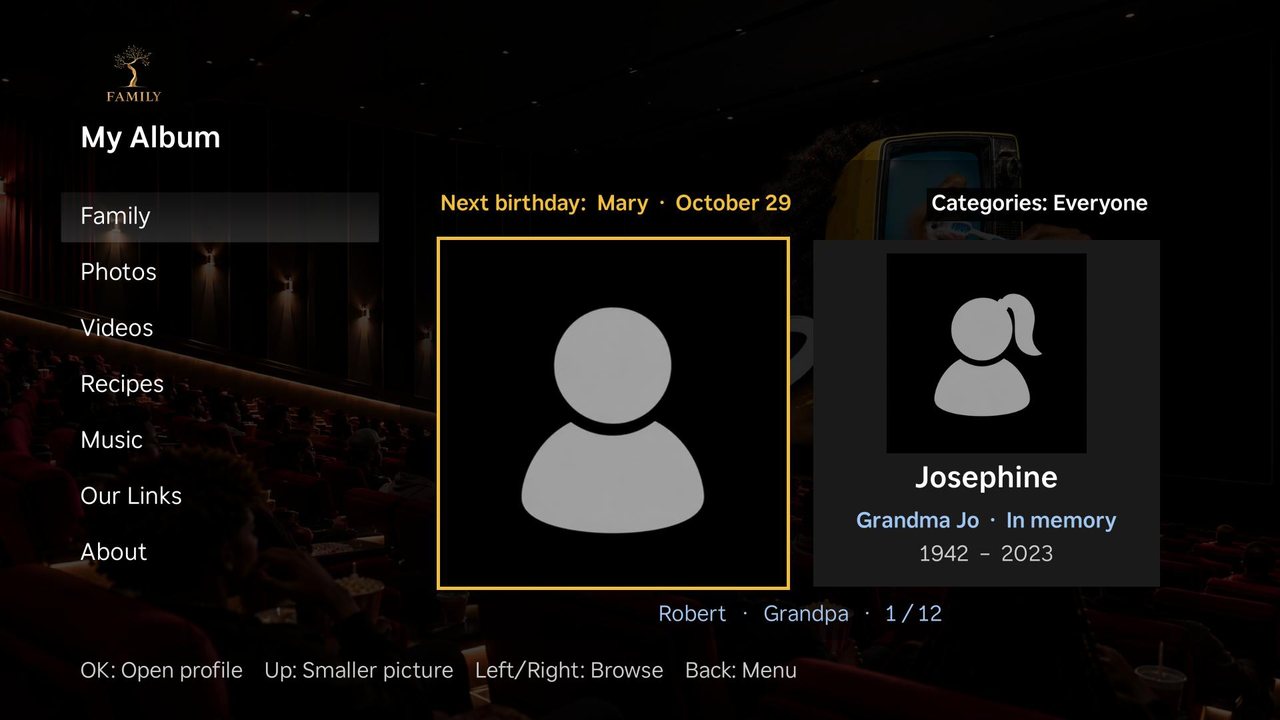
3/6 Highlight a person to make their picture bigger. Press Up to shrink it back.
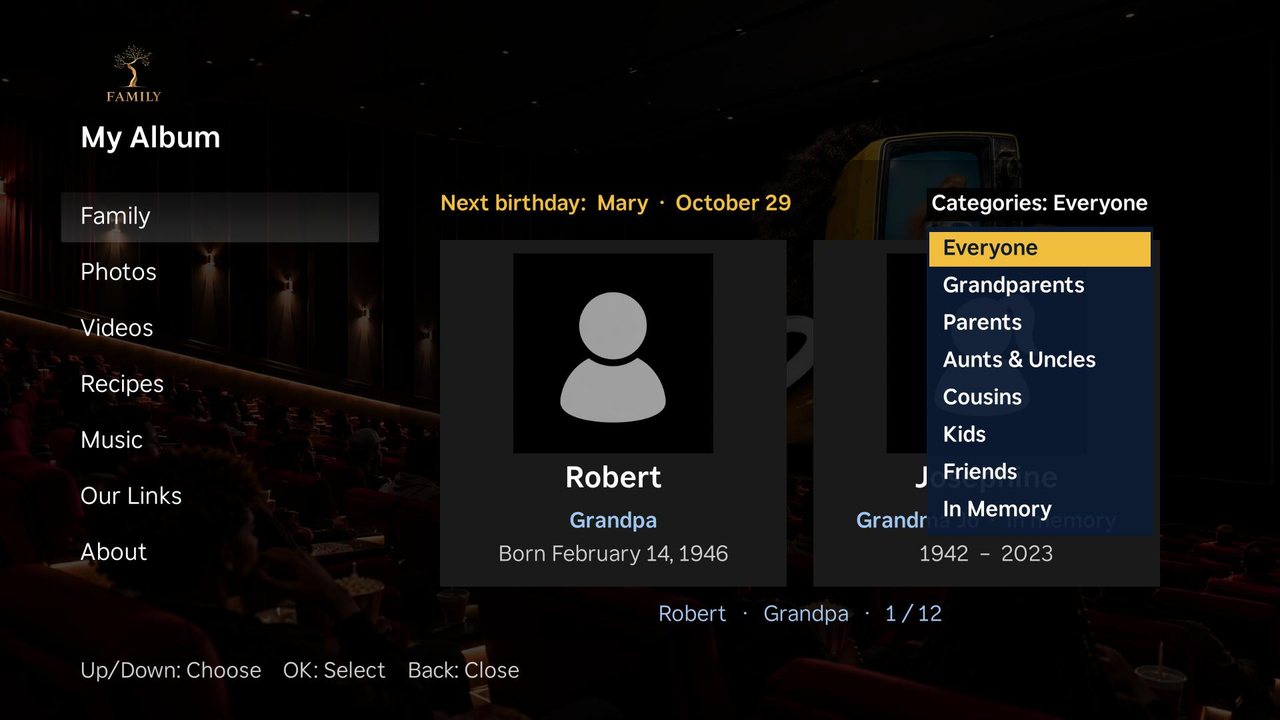
4/6 Press Up for categories and filter to Grandparents, Parents, Cousins, Friends or In Memory.
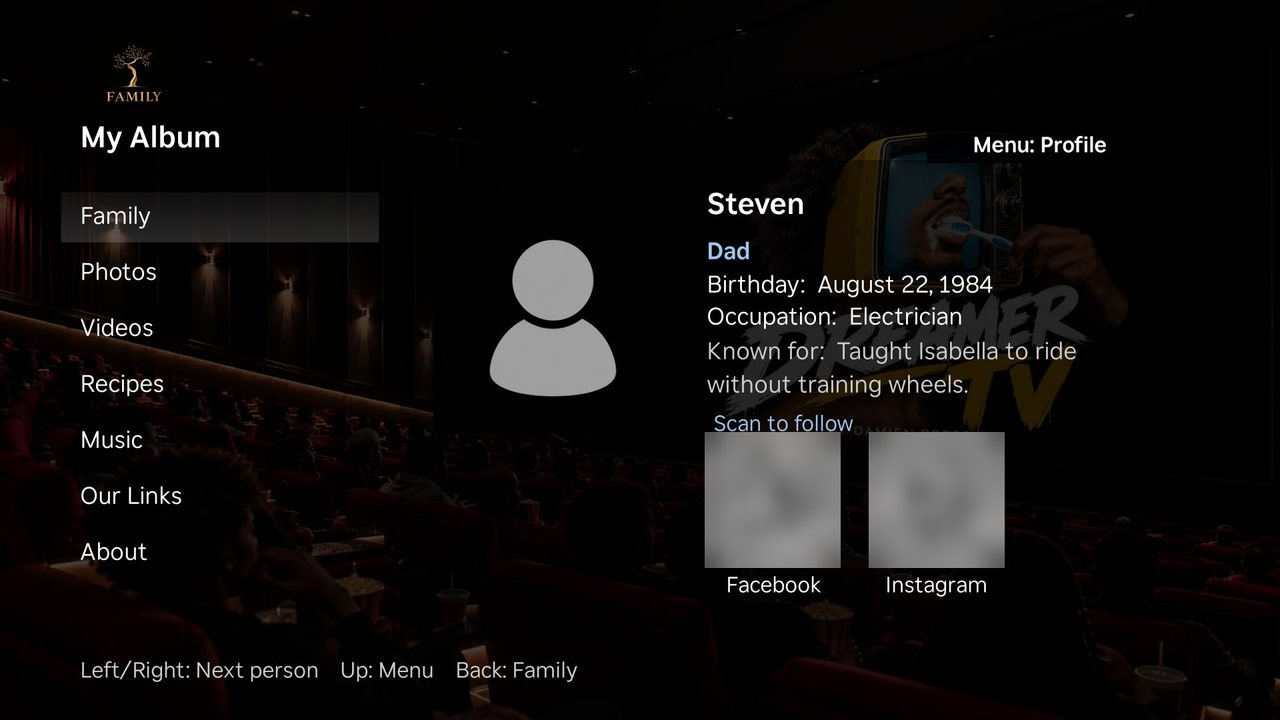
5/6 Open a profile to see their birthday, job, what they're known for and where to follow them.
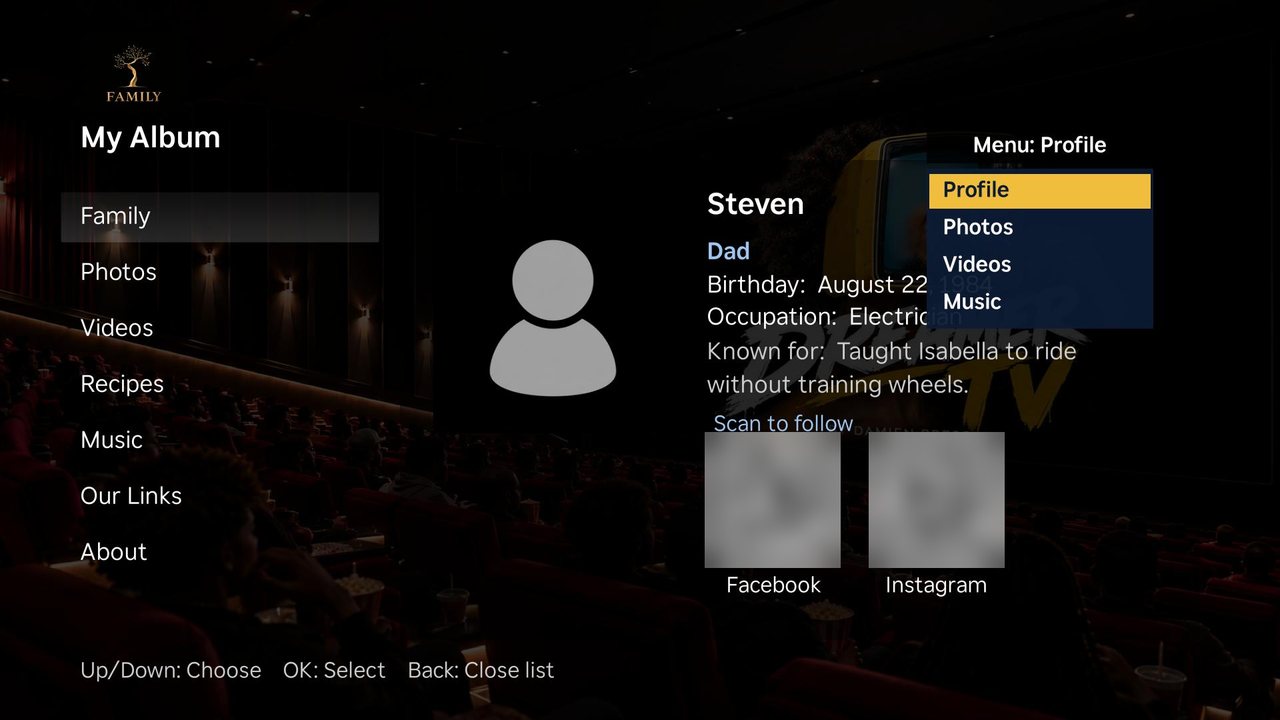
6/6 Press Up on a profile to jump straight to that person's photos, videos or music.
Photos
Photos with the who, where and when.
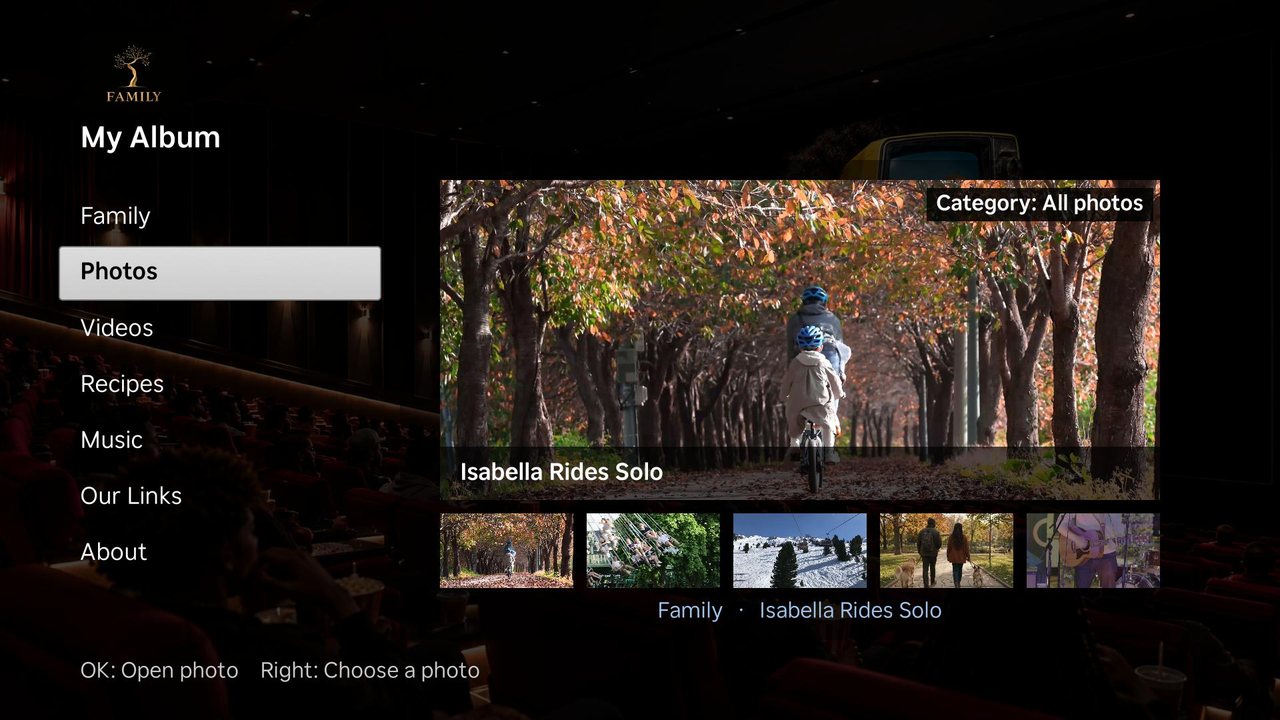
1/5 Photos shows a big preview with a row of thumbnails underneath. Press Right to browse.
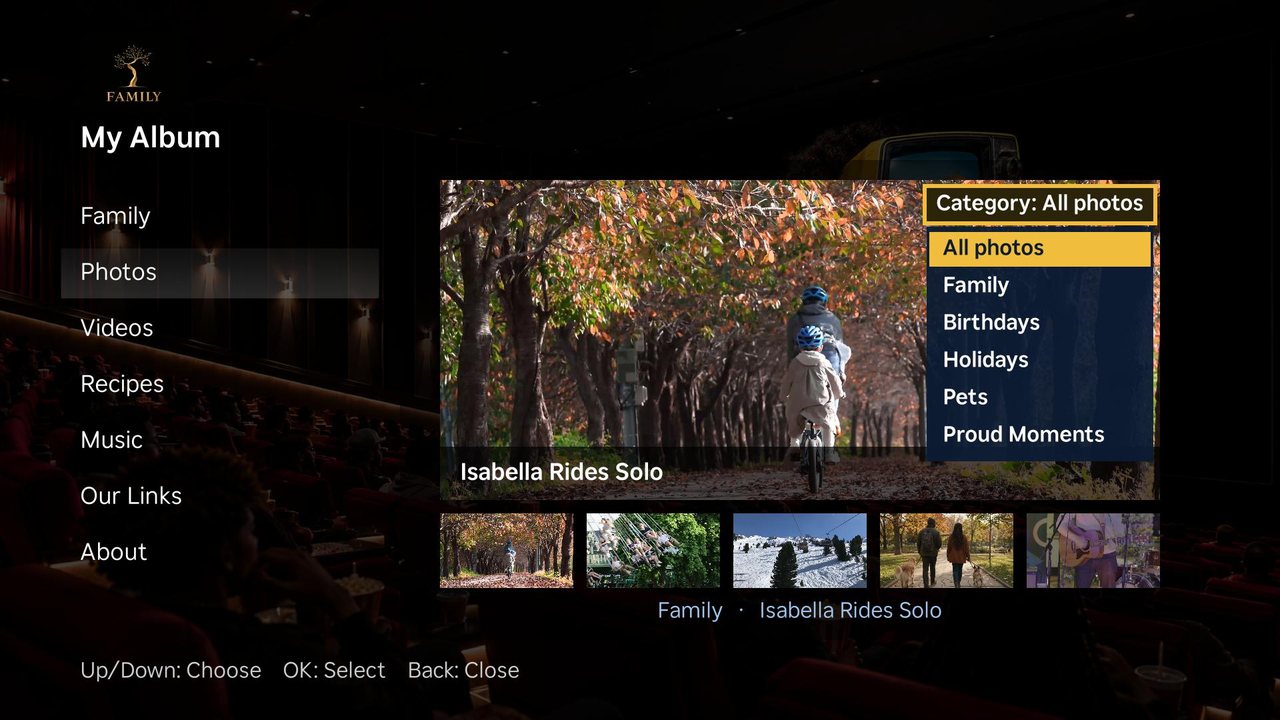
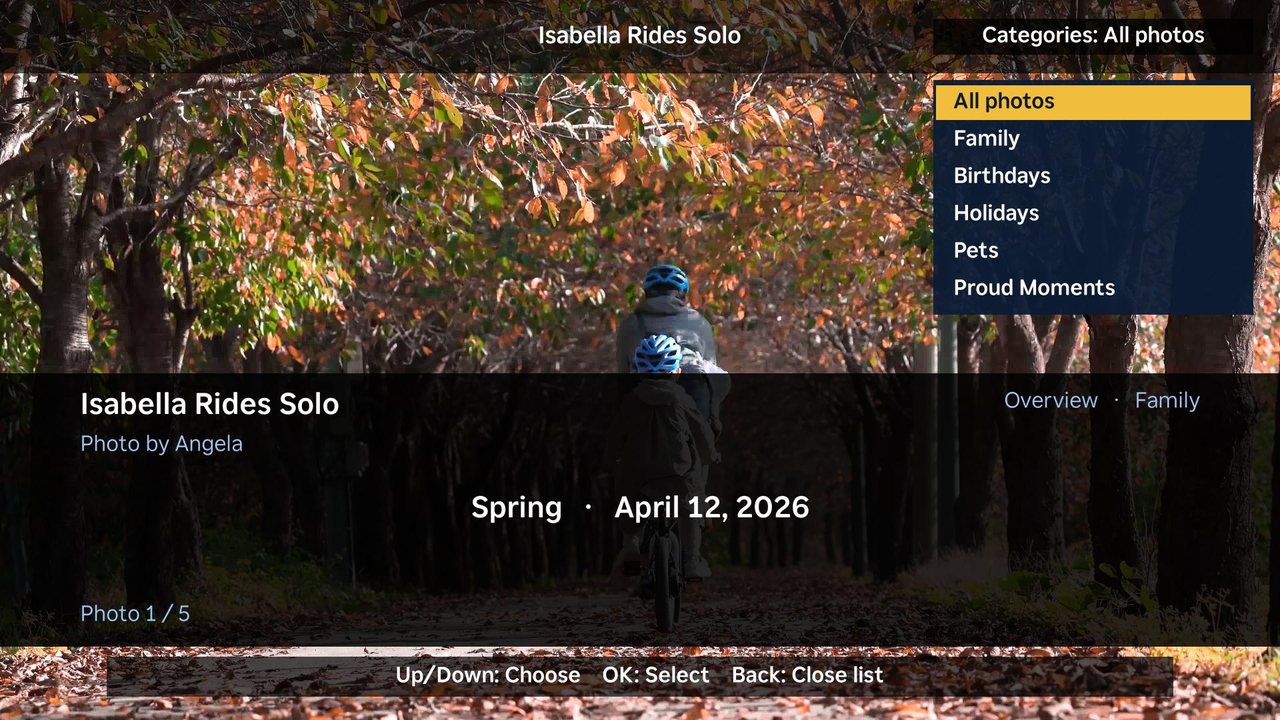
2/5 Press Up to pick a category: Family, Birthdays, Holidays, Pets or Proud Moments.
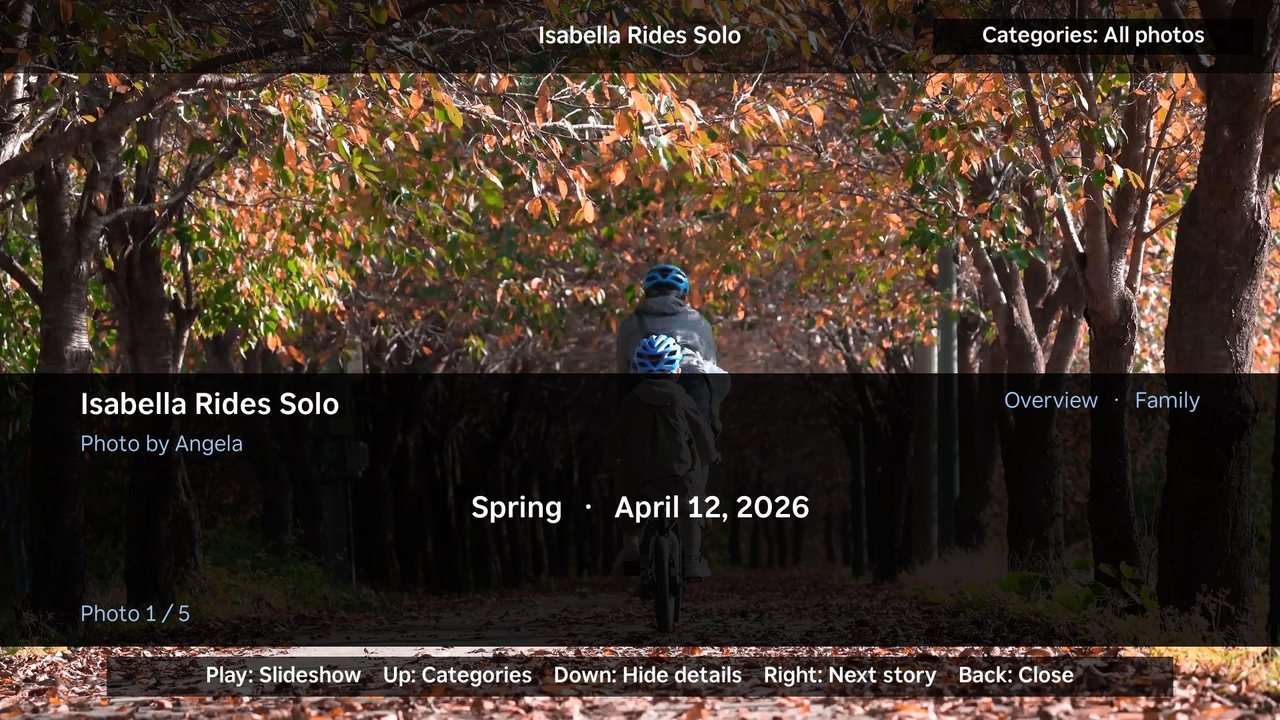
3/5 Press OK to open a photo full screen, with who took it, the season and the date.
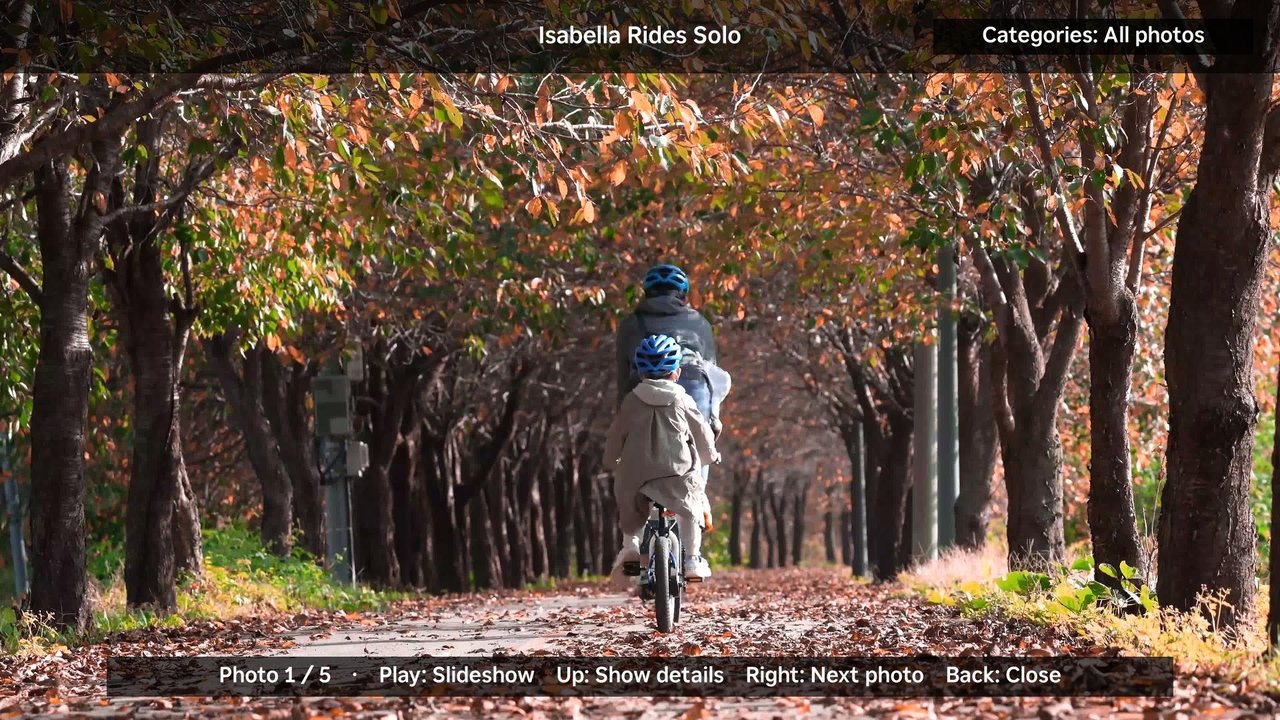
4/5 Press Down to hide the details and just enjoy the photo, or press Play for a slideshow.
5/5 Categories are one press away, even while you're looking at a photo.
Home videos
Every video comes with its story.
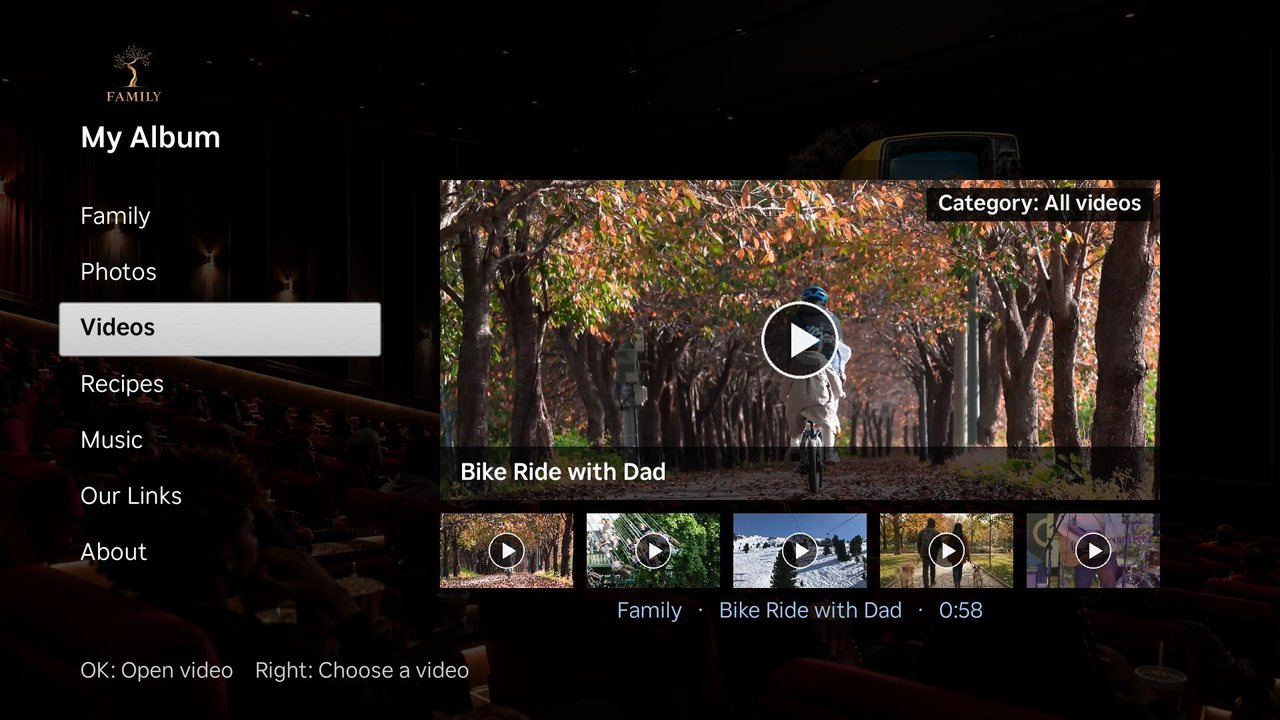
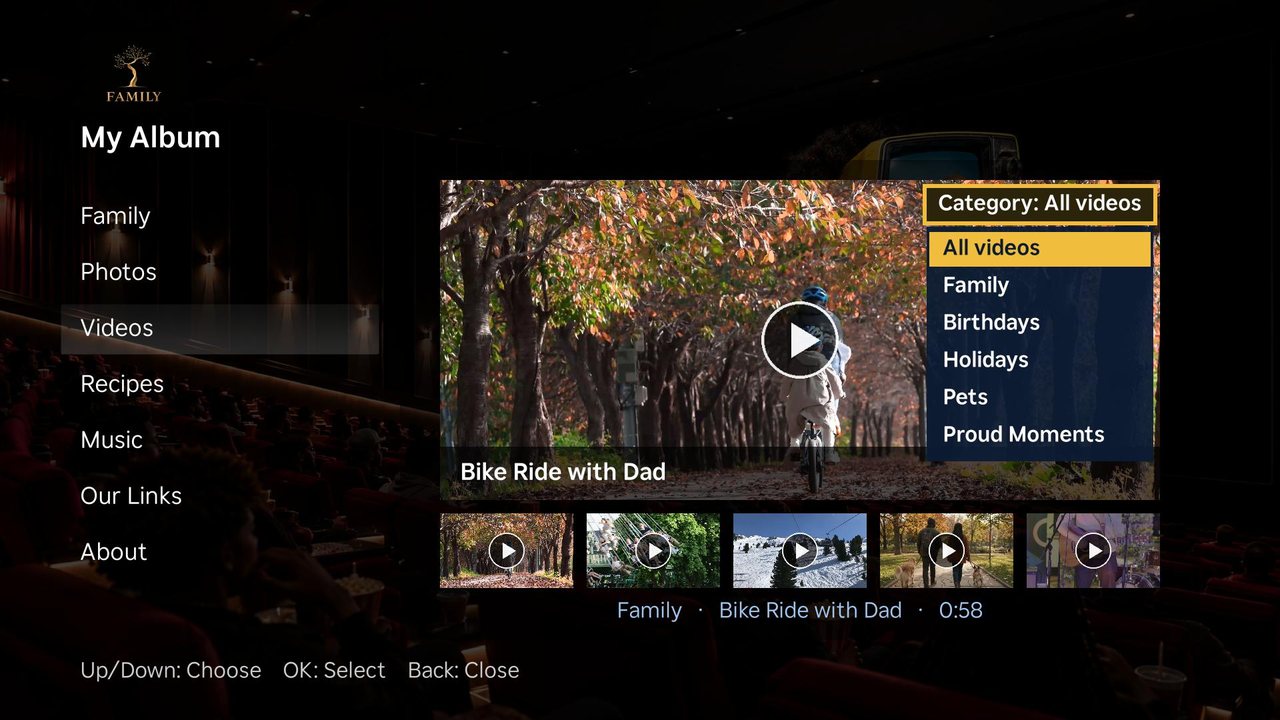
1/10 Videos works like Photos. Pick a home video from the row and press OK.
2/10 Press Up to filter videos by category.
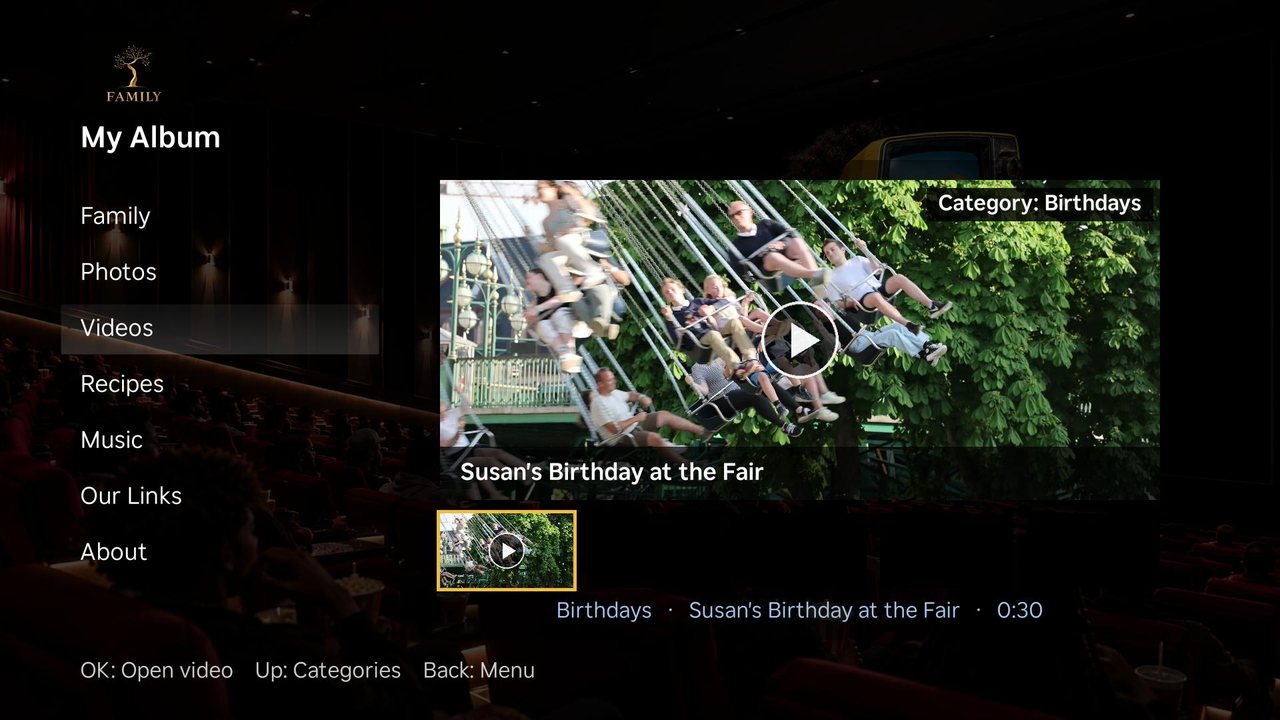
3/10 Choose Birthdays and only the birthday videos are left.
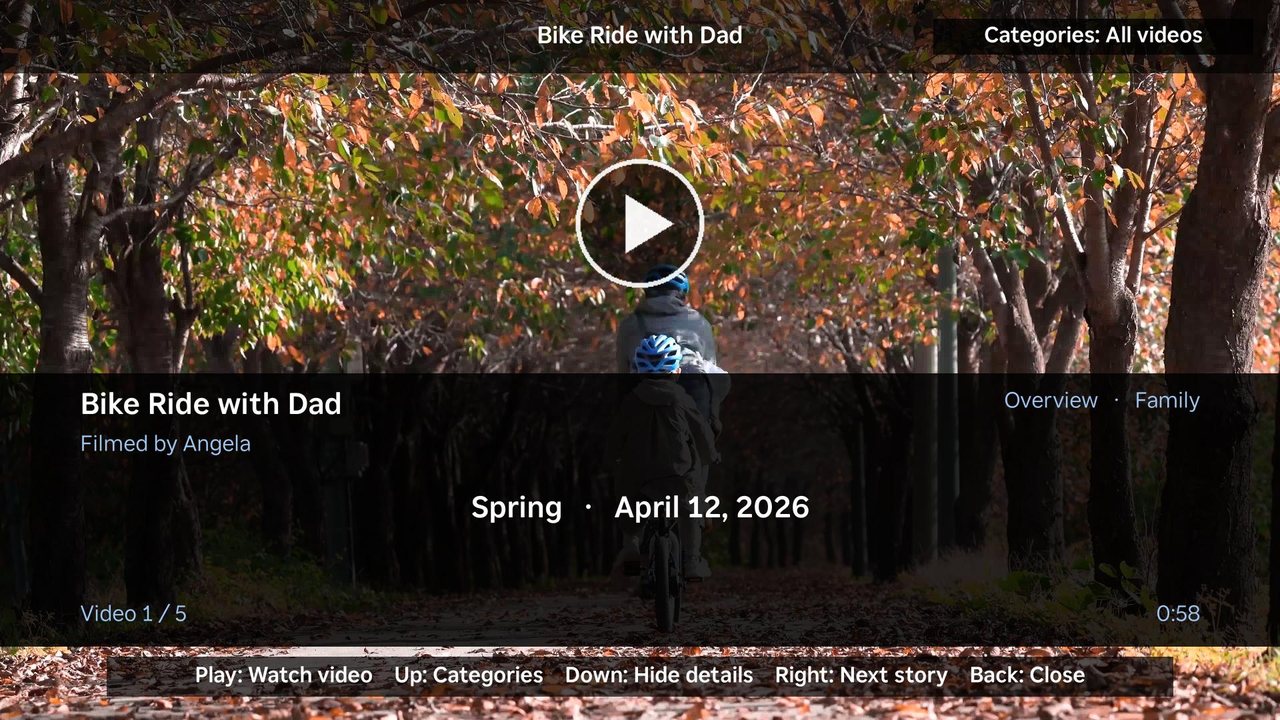
4/10 Open a video to see its title, who filmed it, the season and the date.
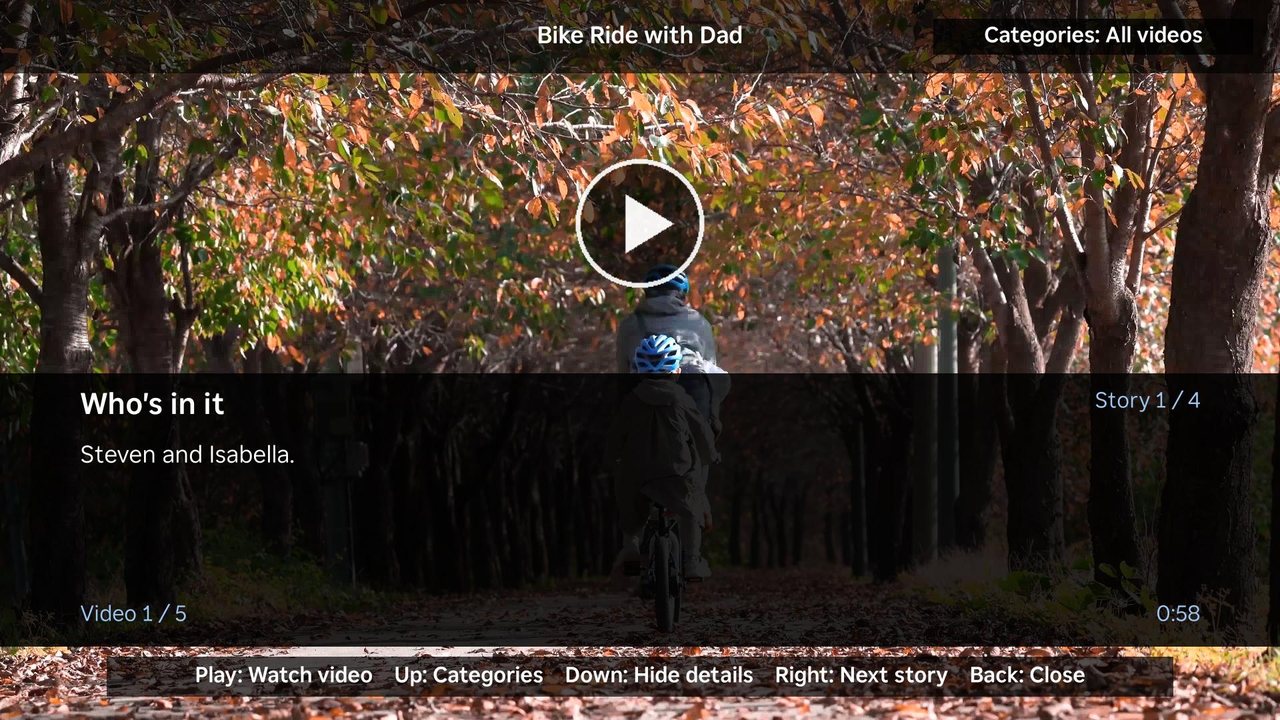
5/10 Press Right to step through the story. First: who's in it.
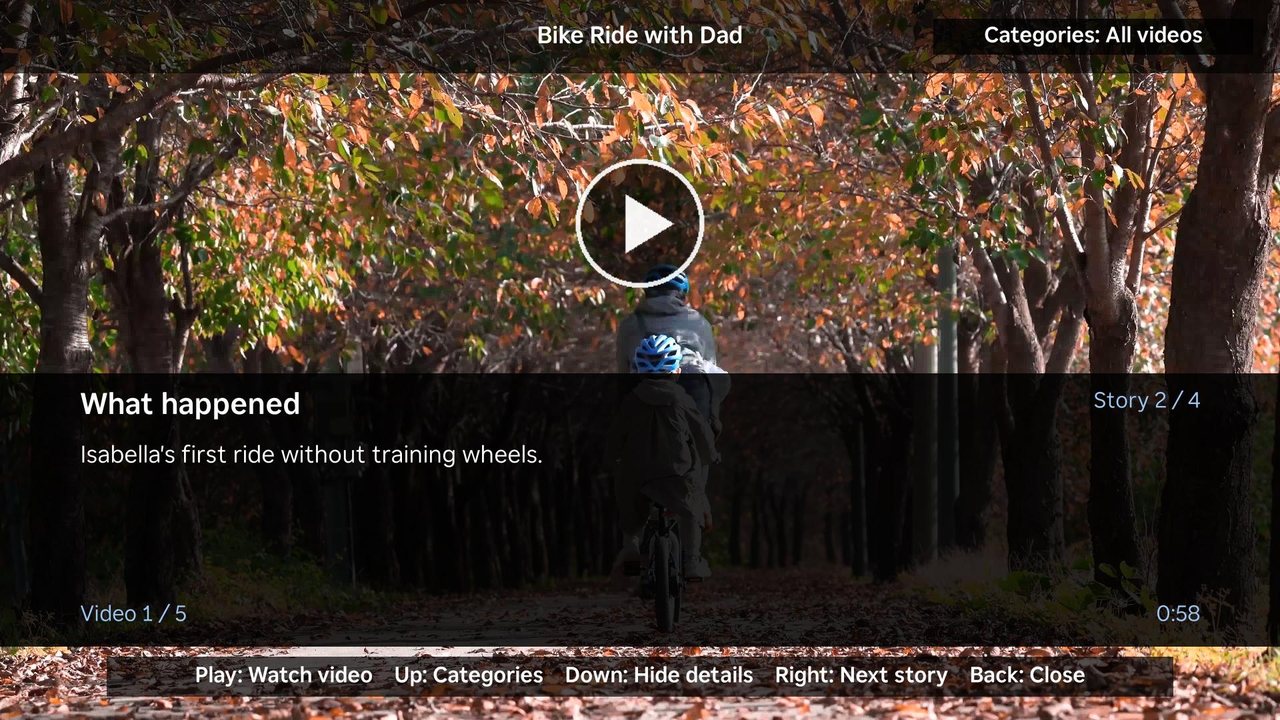
6/10 Next: what happened.
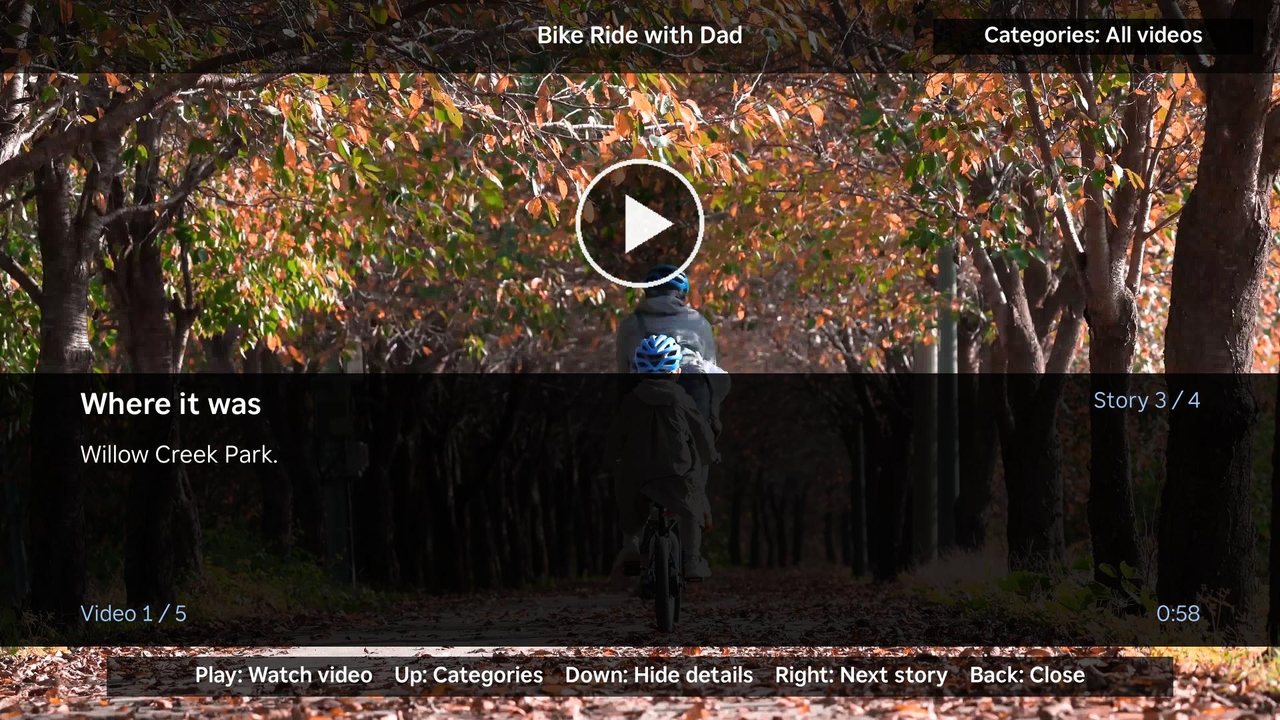
7/10 Then where it was.
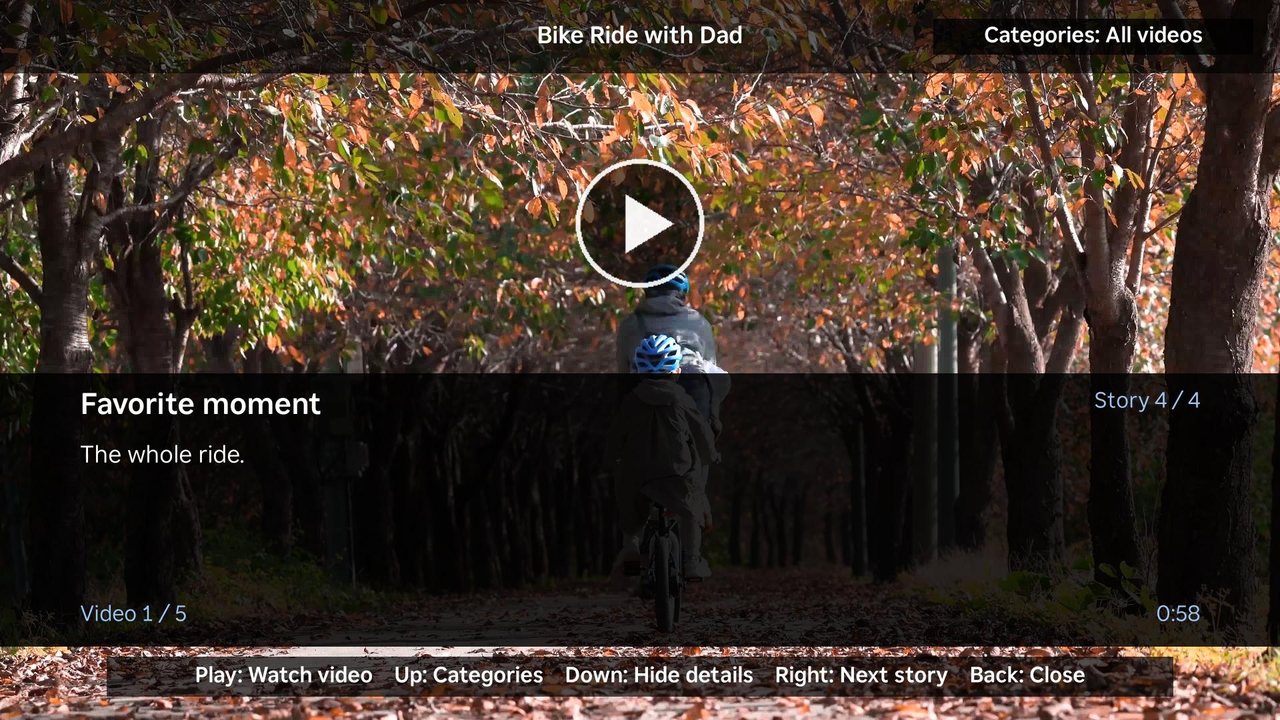
8/10 And everyone's favorite moment.
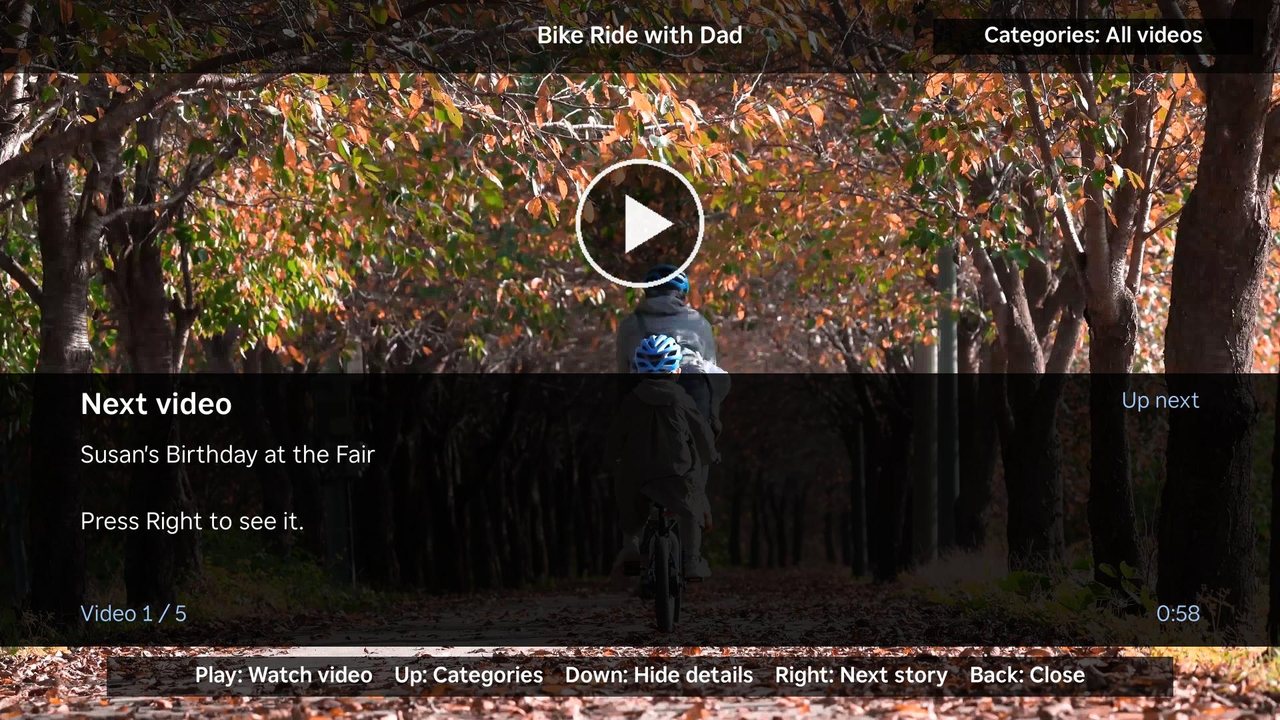
9/10 At the end, the next video is ready. Press Right to go to it.
10/10 Press Down to hide the details and see the whole picture before you press Play.
Recipes
Family recipes, ready for the kitchen.
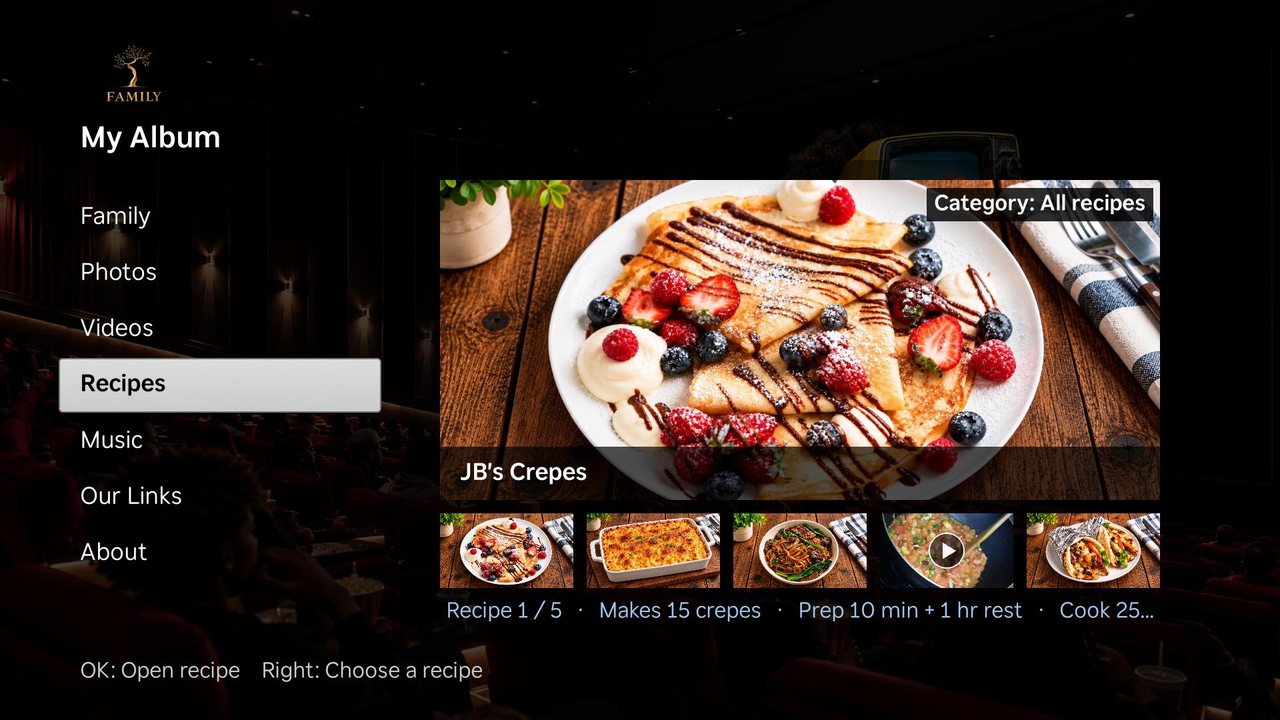
1/4 Recipes shows each dish with servings, prep time and cook time.
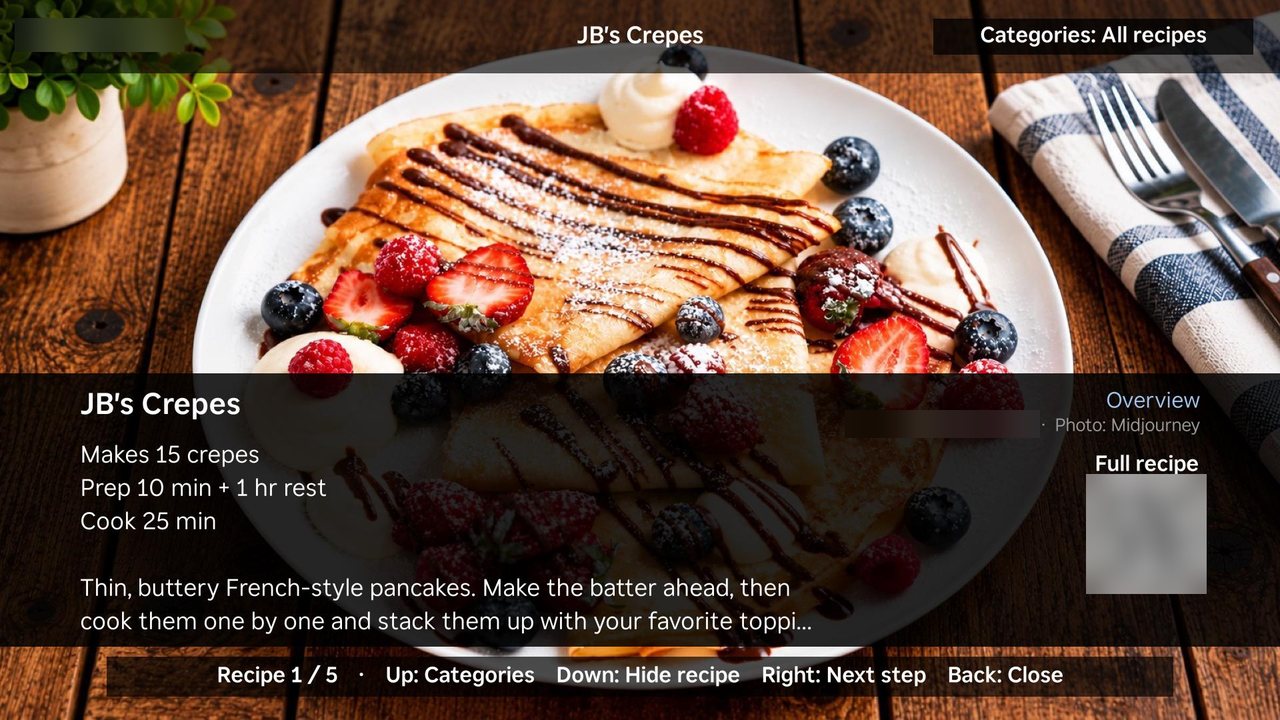
2/4 Open a recipe for its overview, with a QR code for the full recipe on your phone.
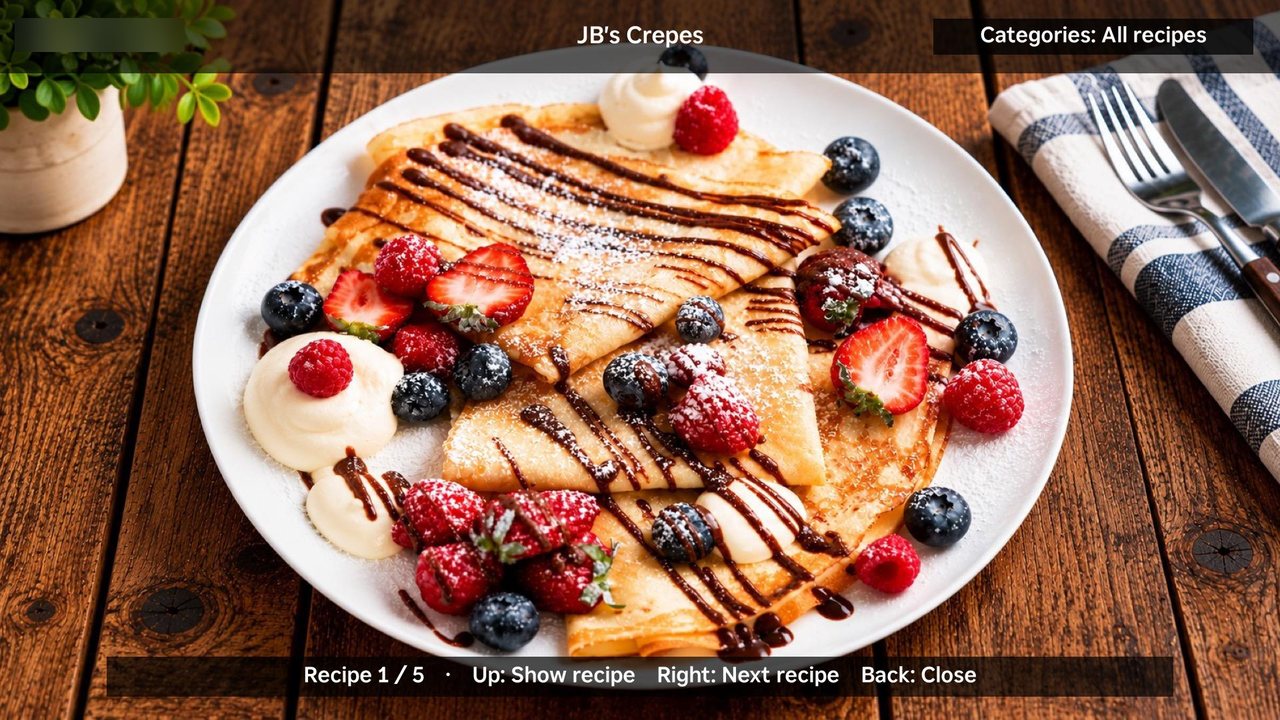
3/4 Press Down to hide the recipe and see the dish full screen.
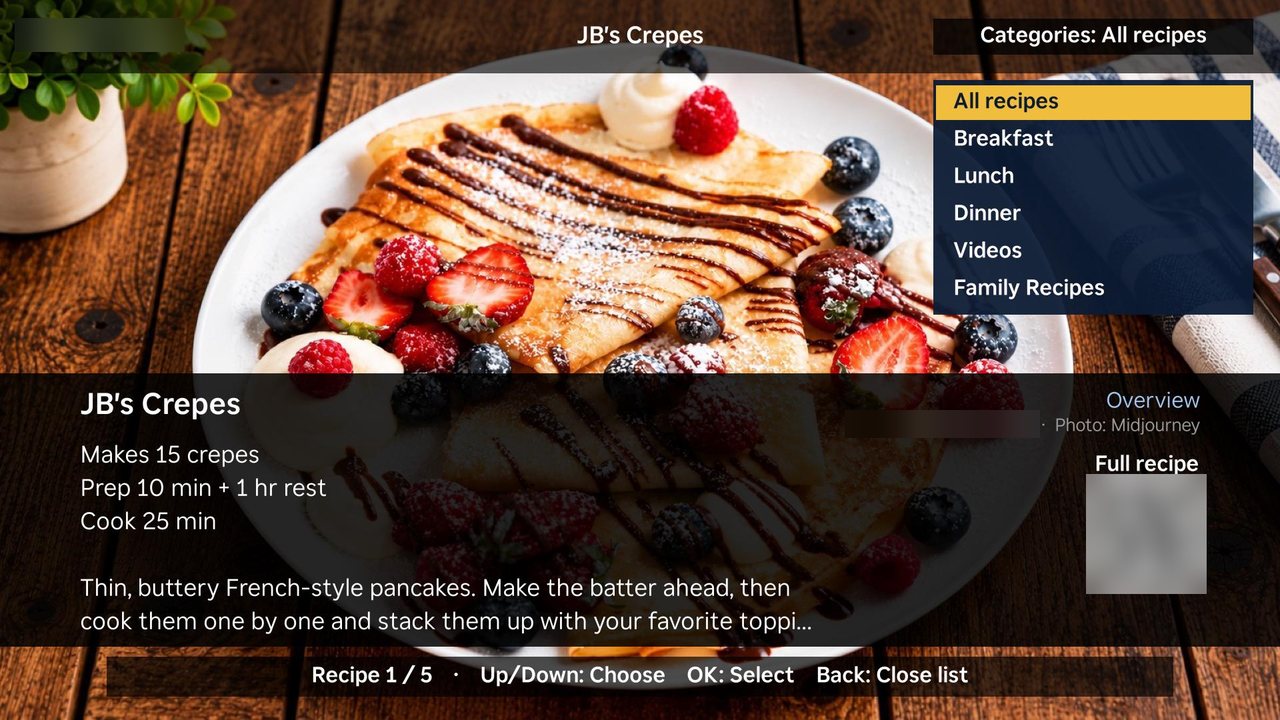
4/4 Press Up for categories: Breakfast, Lunch, Dinner, Videos and Family Recipes.
Music
The songs that belong to your family.
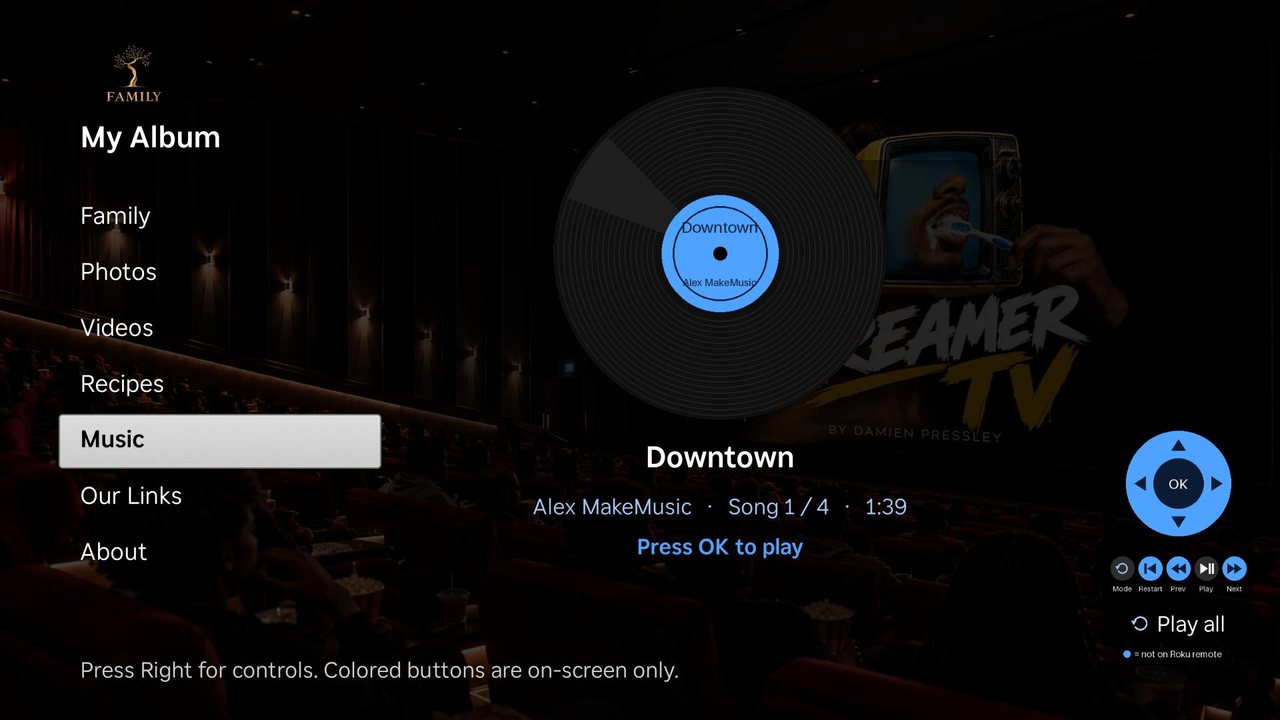
1/1 Each song spins on its own record. Press OK to play, or press Right for on-screen controls.
How it works
Two spaces for two kinds of moments.
Keep some things just for your home. Share others with the whole family.
Private
Household server
Run your own Jellyfin media server at home. Only the TVs in your household can see it, so the things that are just for you stay just for you.
Shared · Coming soon
Family cloud
One shared server that the households split the cost of. Drop a moment in once and it shows up on every family TV, from Grandpa's living room to the cousins' den.
Meet the family
This is what it feels like on TV.
A made-up sample family, so you can see how profiles and memories come together.
--:--
Sample family
Robert
Get your family on board
A few steps, then it's movie night.
Setup checklist
0 of 6 done
Family cloud cost splitter
When the shared family cloud arrives, households split one bill. Enter your own numbers to see each household's share.
Each household pays$0.00per month
Features
Everything your family shares, in one place.
Profiles
Everyone gets a profile with their role and birth year, plus a birthday countdown so nobody forgets.
Photo slideshow
Lean back while family photos play on the big screen, with who, where and when.
Home videos
First bike rides, birthdays and holidays, streamed from your family's own server.
Family recipes
Keep Grandma's recipes alive with step-by-step cards and a cooking video.
Music
The songs that belong to your family, ready to play from the couch.